01
Open & lay out
Open your new GenSkinz and lay out all panels before you begin. Match each panel to its position on the generator.
 Liquid-CooledShop wraps →
Three simple steps are all it takes. Work slowly, peel only a little backing at a time, and smooth the vinyl as you go.
Open your new GenSkinz and lay out all panels before you begin. Match each panel to its position on the generator.
Peel the backing off a little at a time while applying the lid panel from left to right. Smooth out bubbles with a flat plastic edge as you go.
Continue with the remaining panels using the same peel, apply, and smooth method until every panel is in place.
For the left and right sides of your Next Generation generator, choose one of these methods:
1. Wrap the individual louvers. Apply the wrap over the entire side panel. Using a precision knife or blade, make one cut along the top of each vent louver, then press the vinyl firmly onto the louver, leaving every vent opening clear.
2. Expose the full vent section. Apply the wrap, then carefully cut out and remove the vinyl covering the entire square vent section. For a coordinated finish, first spray-paint the vent section to match the dominant color of your chosen GenSkinz design and let it dry completely before applying the wrap.
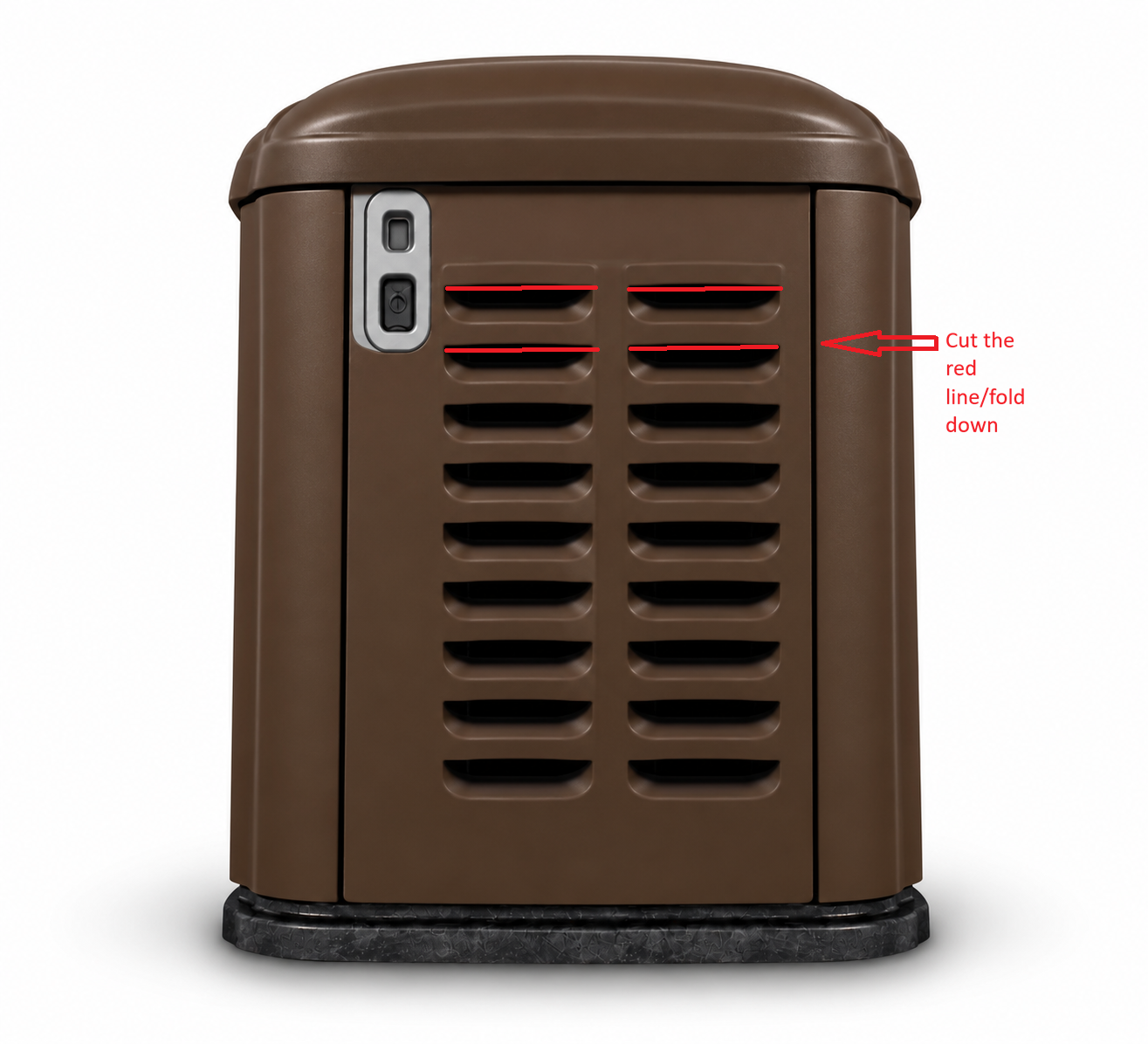
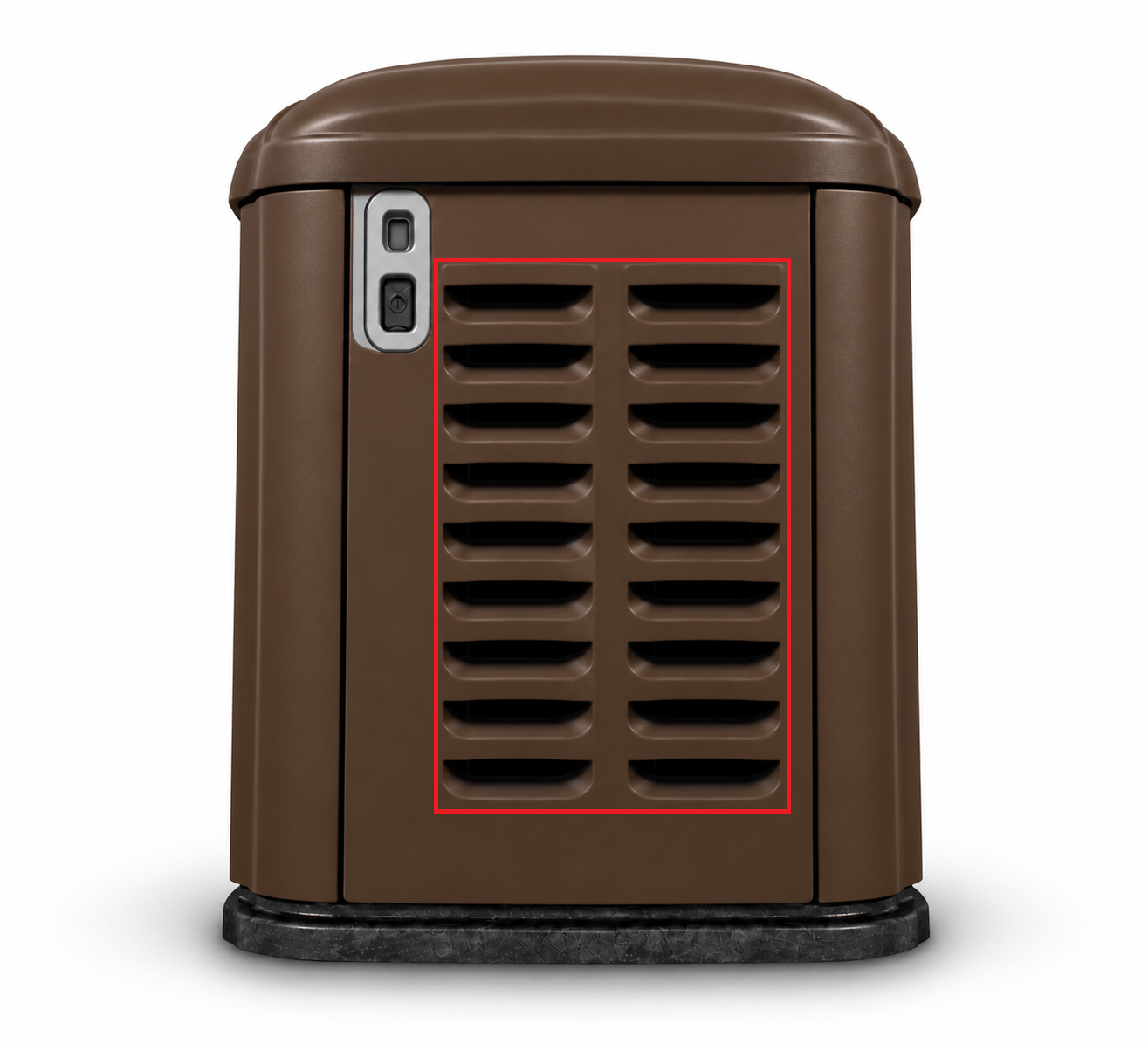
Trim carefully around corners, edges, and status lights. Keep all intake and exhaust openings unobstructed. Prolonged heat at the left-side exhaust louvers can deteriorate vinyl applied to those louvers.